Launch sale · 25% off$14.99 $19.99Ends 21 October
TimeShift 2.11.2 · Blender 4.2 and newer · Cycles and EEVEE
Render the frames between your frames.
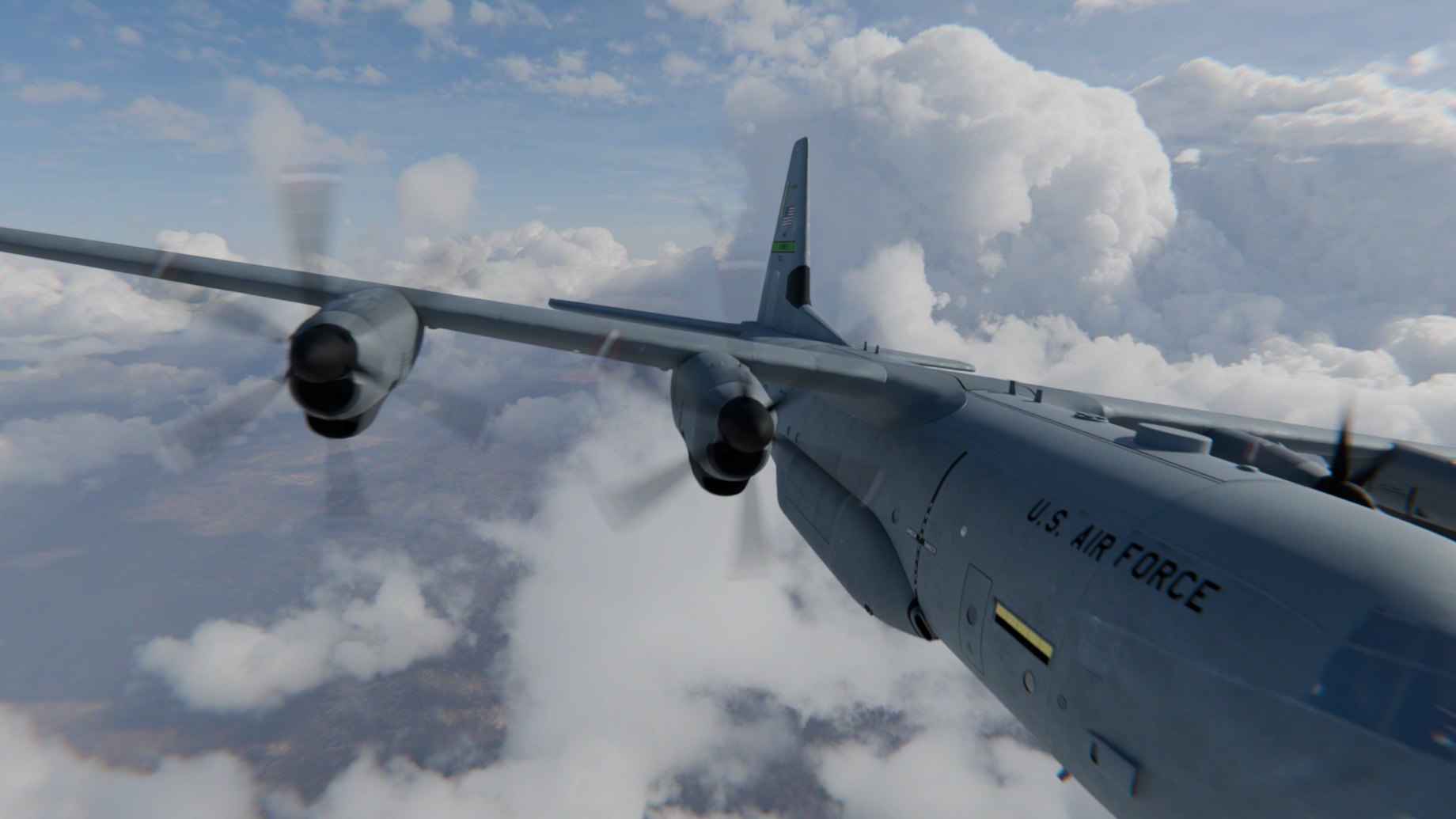
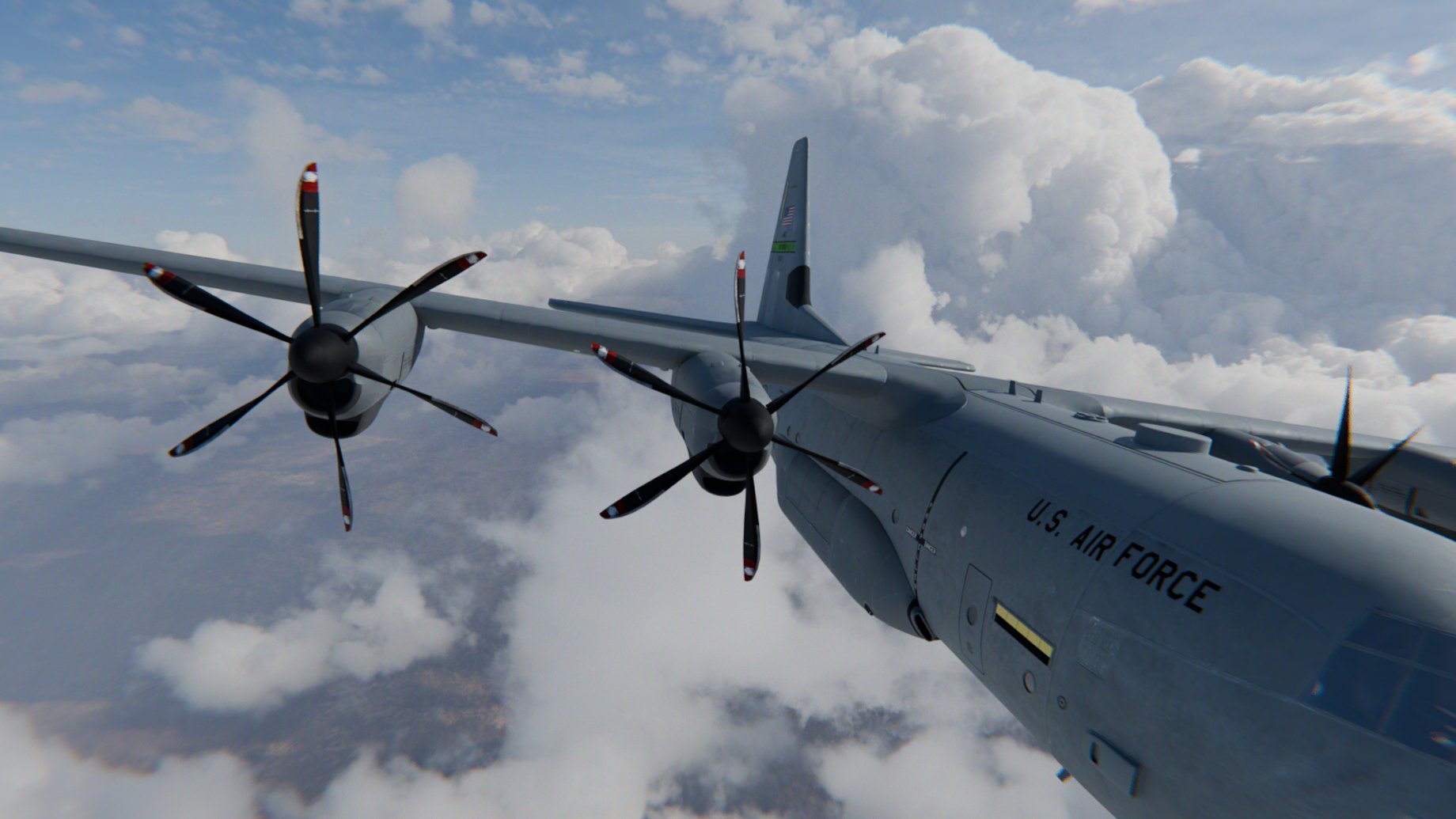
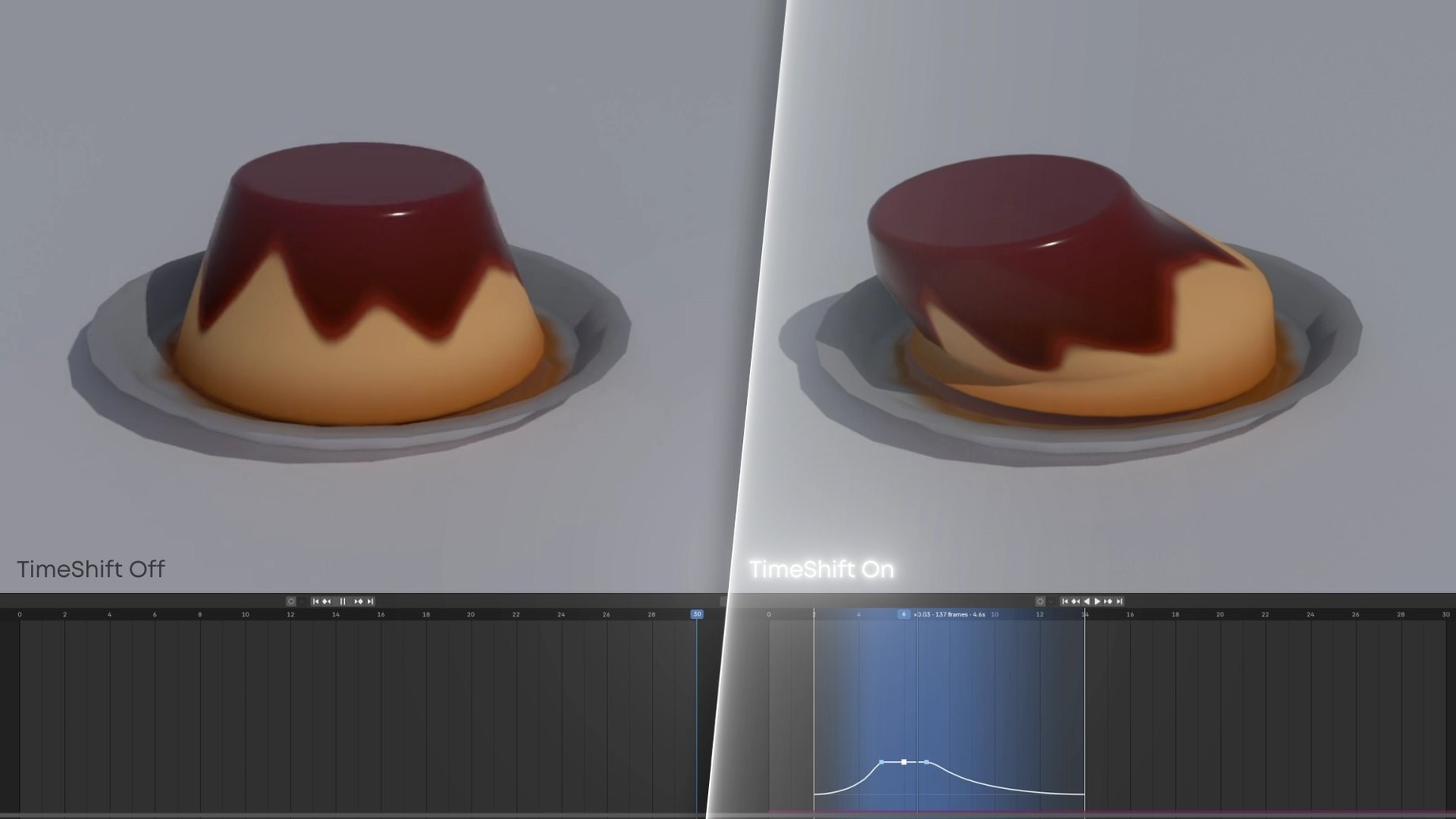
Slow any stretch of your timeline to 0.001× and render true sub-frames. Your keyframes and caches never move. Drag the divider to compare.
Normal speedWith TimeShiftTimeShift off and on.
The same scene rendered normally (left) and with a slowed chunk (right), the Timeline underneath.
Same scene, same Timeline. On the right, a chunk slows to 0.07× and eases back out to normal speed.
On the right, the slowed chunk renders the frames in between, so the wobble stays smooth instead of stepping.
Easier than retiming your keyframes.
Other ways to slow a shot edit the scene so Blender plays it back slower. TimeShift leaves the scene alone and renders the moments in between.
TimeShift compared with other ways to slow a shot in Blender | Retiming keyframes | Scene-speed drivers | TimeShift |
|---|
| Your animation | Keys moved, or copied into a new action | Driven by drivers the add-on adds | Never edited. Only the render times change. |
|---|
| What slows down | The selected object's keyframes | The animations and simulations you pick | The whole scene at once, camera included |
|---|
| Setup | Bake each object and section | Scan the scene, pick elements, set base speeds | Mark the moment and set a speed |
|---|
| Physics | Not slowed | Speed set per simulation | Bake once, then change speeds freely |
|---|
Try a speed ramp.
This is TimeShift's own retime math. Each tick is one rendered frame.
Scene frames60
Rendered frames215
At 24 fps9.0 s
Slowest0.096×
How it works in Blender
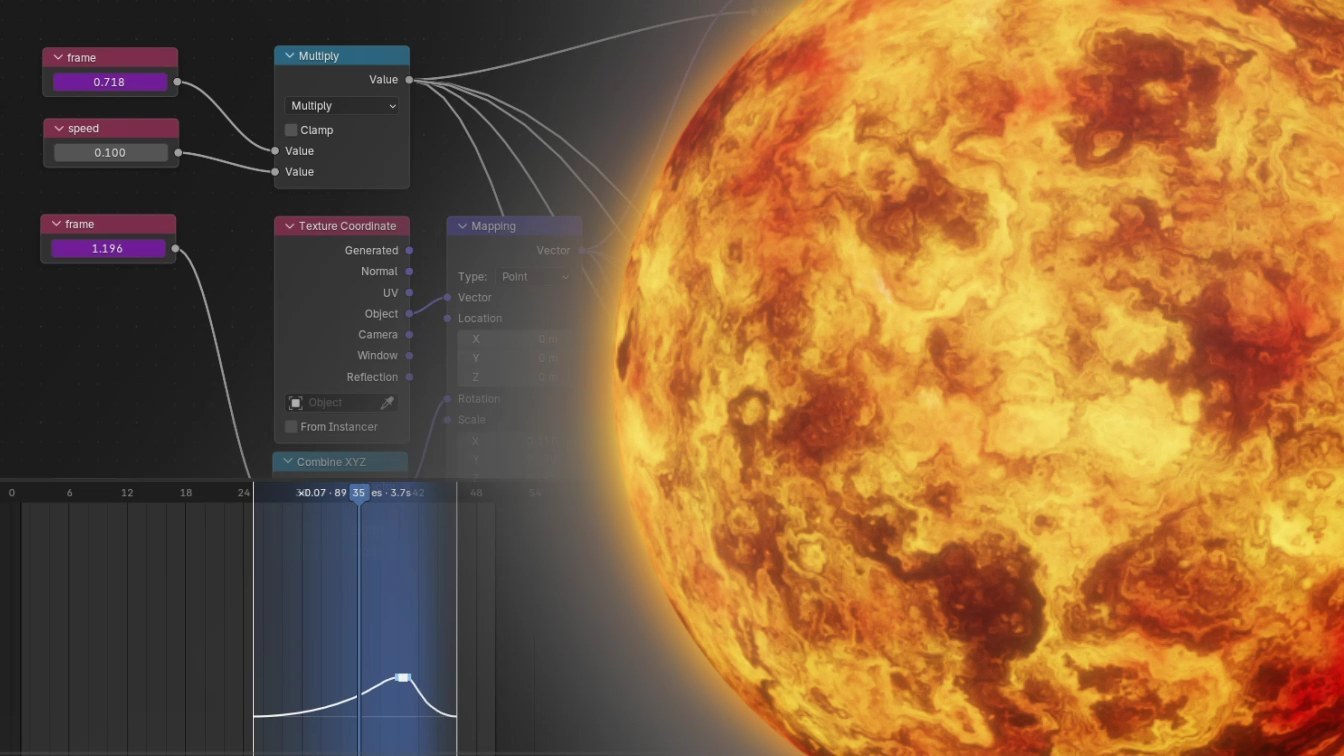
Press U over the Timeline and drag a range, then set its speed and ease. The curve shows where time slows.
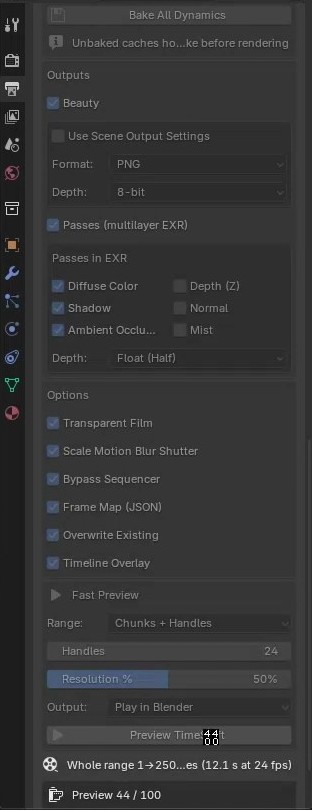
Bake All Dynamics bakes rigid body, cloth, soft body, particles, hair and dynamic paint in one click.
Check the timing in a fast preview with Solid, Material or Rendered shading, then render images, EXR passes and a frame map.
Everything that moves slows down with it.
Keyframes, drivers, procedural Geometry Nodes and shaders are exact. Physics plays from the bake.
- Rigid bodyFrom bake
- ClothFrom bake
- Hair dynamicsFrom bake
- Geometry NodesExact
- ShadersExact
- Characters and camerasExact
Motion blur that follows the speed
The shutter scales with the local speed, so blur shrinks as time slows, like footage from a high-speed camera.
Exact for shaders
Sub-frame time reaches drivers, procedural Geometry Nodes and materials.
Your file stays as it was
Nothing is moved or rescaled, and render settings are restored after every run.
Outputs
PNGJPEGOpenEXRTIFFEXR passesFrame map
Works where you work
- Blender 4.2 and newer
- Cycles and EEVEE
- Extension or legacy add-on
Good to know
Mantaflow fluid, smoke and fire hold whole frames. That is a Blender limitation, so a slowed fluid steps from frame to frame.
The full documentation and the FAQ are in the tabs above this description.